

Bagi sobat yg pusing" nyari tutorial photoshop trus gk ketemu-temu, di sini nih sob sekedar post doank sob, 100 TUTORIAL PHOTOSHOP 2012 :
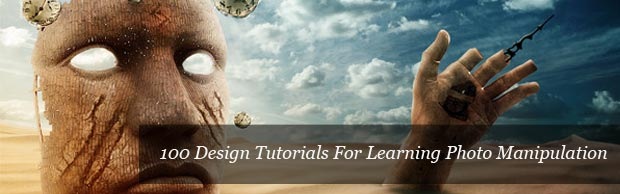
100 Photoshop Tutorials For Learning Photo Manipulation
1. How to Make a High-Impact Fashion Poster in Photoshop
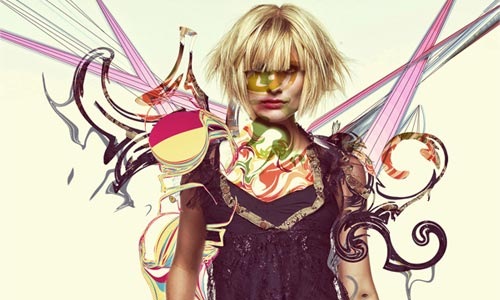
2. Create an Abstract Cloud Jumper in Photoshop

In this tutorial, you’ll manipulate a photo with abstract elements to make it more interesting and active.
3. Create a fantasy-horror scene in Photoshop
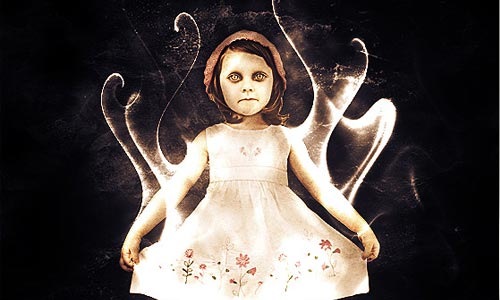
4. Make a Soft Grunge Product Ad Design in Photoshop

5. Create a Magical Four Piece Stardust Composition

6. Blend a Planet Transparently into a Photo Manipulation
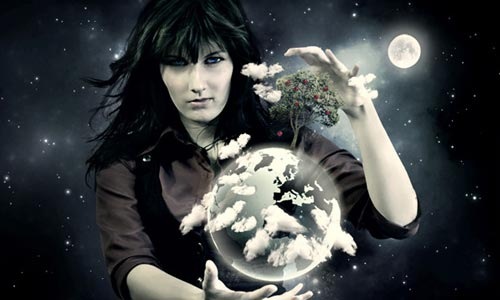
7. How to Create Glass Transparency in a Cute Photo Manipulation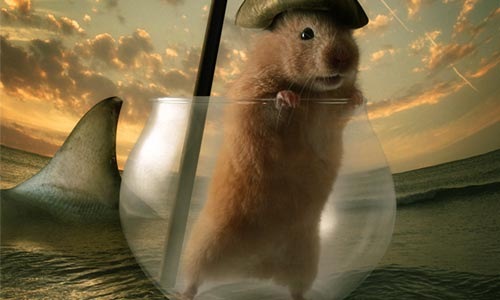
In this tutorial you’ll learn how to incorporate glass into your work. you’ll learn a good technique for incorporating glass transparency into photo manipulations, while placing a cute, pirate hamster on the high seas. Let’s start!8. Design a Surreal Desert Scene in Photoshop
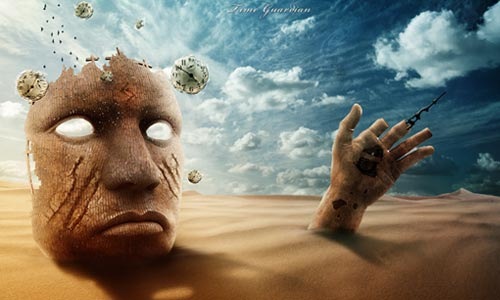
9. Downhill Bike Racer on Fire
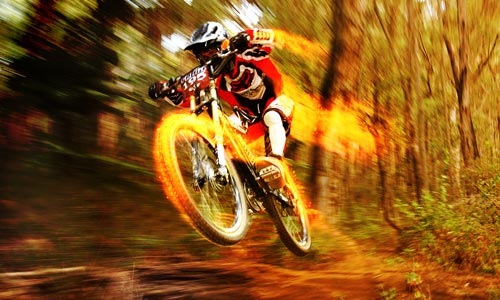
10. Create a Devastating Twister With Photo Manipulation Techniques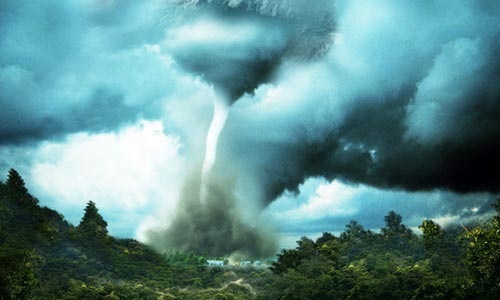
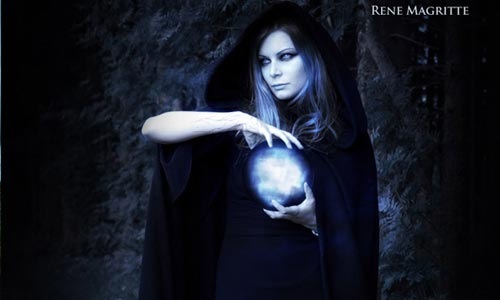
If you’re looking to create a really nice photo manipulation, often you will have to combine several photos and apply a few effects to get your desired look. In today’s tutorial combine a few photos that I took while I was traveling to create a devastating tornado consuming everything in its path. Okay, let’s get started!11. Create a Divine Angel Montage in Photoshop
12. Create a Vivid Themed Illustration Using Simple Hand-Drawn Elements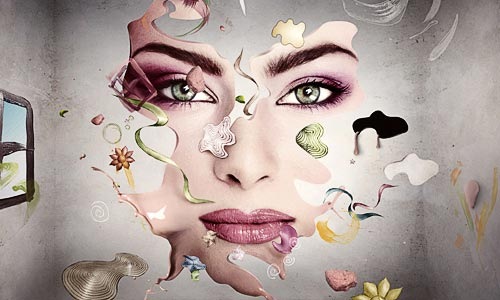
Drawn elements are certainly something that can enhance an illustration. Even if you’re not very good at drawing, you can still create a quality piece. All you need is a good idea and some Photoshop skills. And if you don’t believe me, you will definitely change your mind after reading this tutorial. So let’s take a look inside!13. How to Make a Vector-Style Woman Composition

15. Add Brilliant Light Effects to Your Work with Photoshop
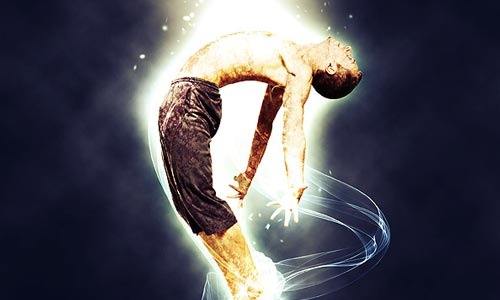
In this tutorial, I’ll show you several super easy techniques for incorporating remarkable light effects to your work using Photoshop. You’ll need only 10 minutes to make your own set of abstract brushes (I’ll show you how) for use in enhancing your design projects. We will work with textures too—I’ll demonstrate how to give an interesting look to a human body using a grunge texture.
16. Create a Dark and Surreal Poster Using Your Own Portrait
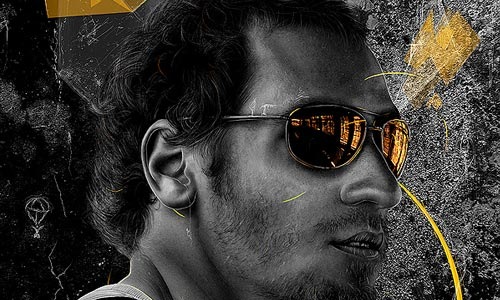
17. Avatar Photo Manipulation (Exclusive Tutorial)

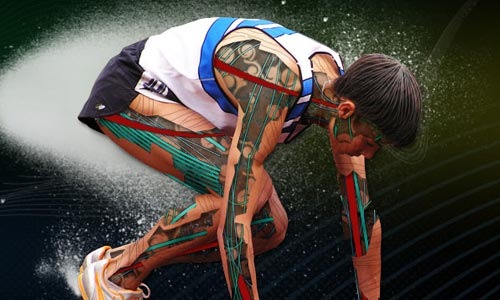
18. Design a Futuristic Athlete Graphic
19. Fantastic Disintegration Effect inspired by Watchmen in Photoshop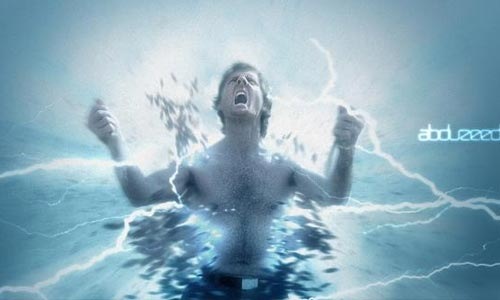
In this tutorial It will show you how to create the disintegration effect using brushes and the blur filter. It’s really simple and you will be able to create nice designs using this sort of trendy style of effect.20. Create frozen liquid effects
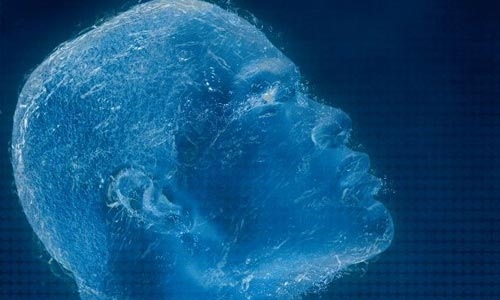
Sergio Vichique shows how you can bring the coolest of effects to your illustrations
21. How to Create a Dark Emotional Photo Manipulation
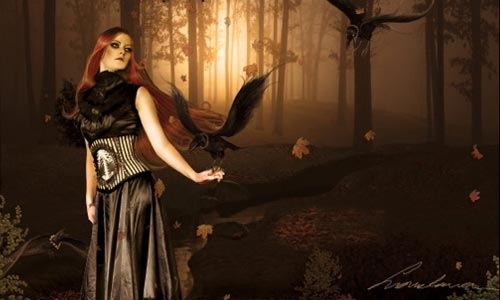
22. How To Create the Photo Manipulation “Brightness Tomorrows”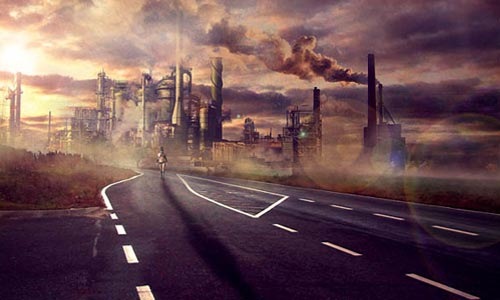
In this tutorial, I’ll show you how to create a futuristic looking photo manipulation using some special tools, such as the Background Eraser Tool and how to blend pictures properly using Match Color Adjustments and Lighting Effects. So let’s start!23. How to Create a Fantasy Landscape Photo Manipulation
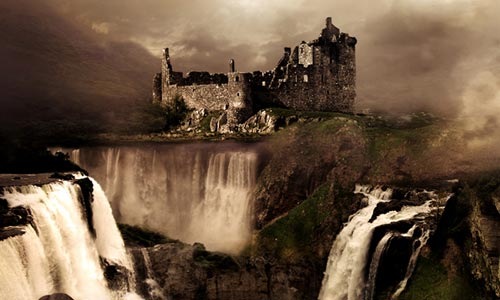
In this tutorial, you will learn how to create a fantasy landscape using some simple and easy techniques. Everyone with basic Photoshop skills can succeed to recreate this simple image using the most important thing in this kind of photo manipulation – the right stock. So let’s go!
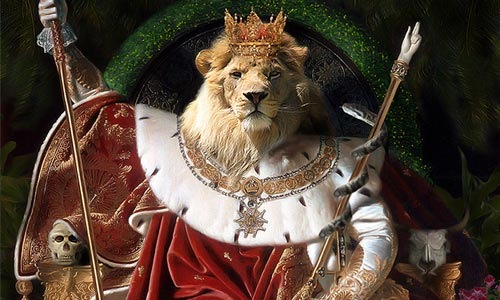
24. Creative Photoshop Animal King Photo Manipulation Tutorial
25. How to Create a Surreal Scene of Flying Bombs on Fire
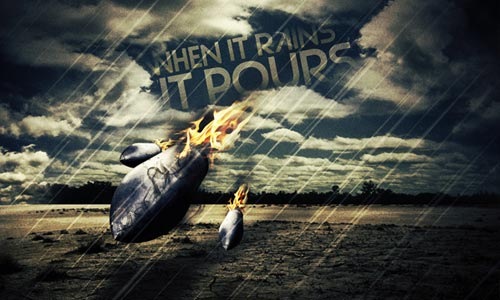
In this tutorial, you’ll make a scene with flaming bombs pouring from the sky. This tut is made to show some down and dirty Photoshop tricks that beginners can quickly pick up. It also includes some relatively advanced techniques to help budding designers enhance their workflow. Let’s get started!
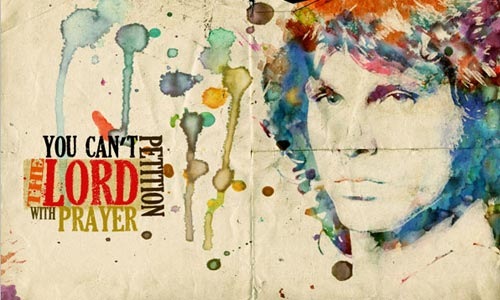
26. Creating an Abstract Watercolor Wallpaper
27. How to Create a Fantasy Atmosphere Style Car Ad
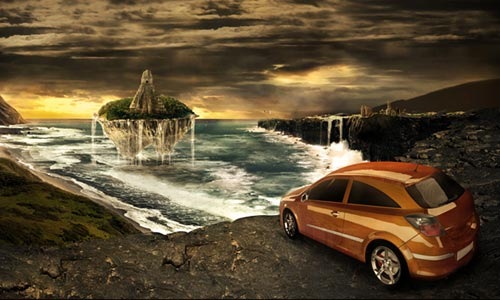
The initial concept was the creation of an ‘atmosphere’ – a background for the car. Using images and some painting techniques over that images I made a fantasy scene. This tutorial will explain some of those techniques and how various Photoshop tools work. Let’s get started!
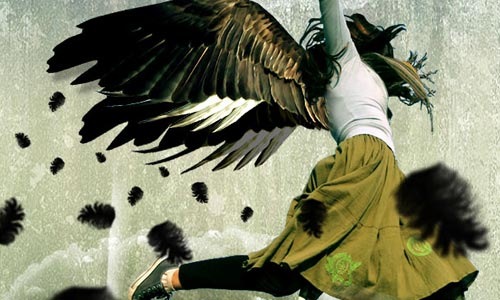
28. Photo Manipulate a Falling Angel
29. Soul Rebel Poster Tutorial

In this tutorial It will show how to create an awesome illustration that can be printed as a poster to hang it on your wall. I broke down step by step from the beginning to the end so you can follow and understand exactly what I went through while making this piece, and you get to download the .psd at the end.
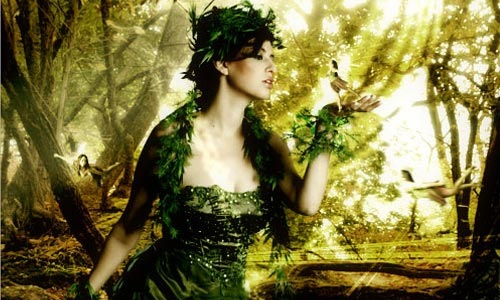
30. Making of a Forest Magical Scene
31. Lighting a Giant Elephant
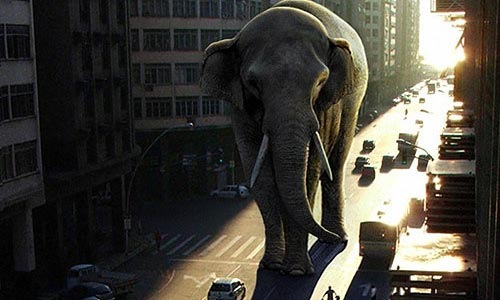
32. Create an Out of Bounds Fantasy Illustration
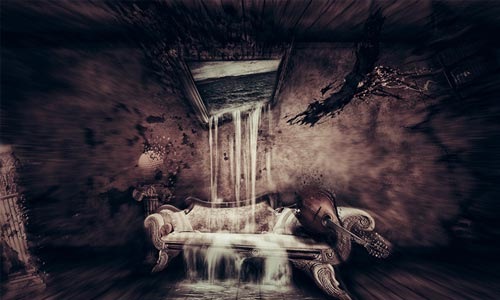
Here is another illustration I have worked on with Toma Alin Gabriel. Worked on this piece with a lot of images and I would also like to thank the photographers for giving us permission to use their stuff. In this tutorial, we will take you through the process of creating a fantasy scene, make water pour out of a painting, make some sort of a absorption effect and end up with a really nice looking color. The main idea behind this surreal illustration is that we are actually in a painting and the painting on the wall is the real world, the world where our vulture tries to escape.
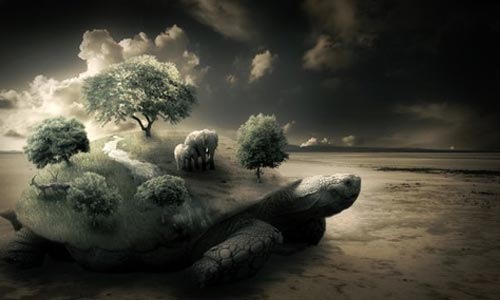
33. Photoshop Tutorial: Create a Surreal Turtle Image
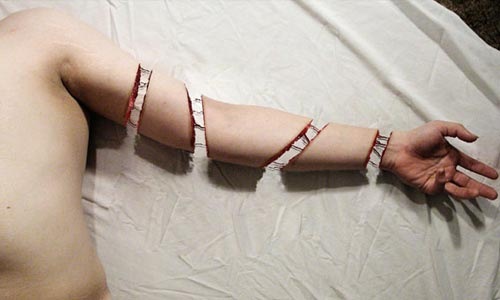
34. How to Create a Severed Arm in Photoshop
35. Manipulating a WW2 Fighter Aircraft

36. Create an Explosive Cover with Precise Photo Manipulation Techniques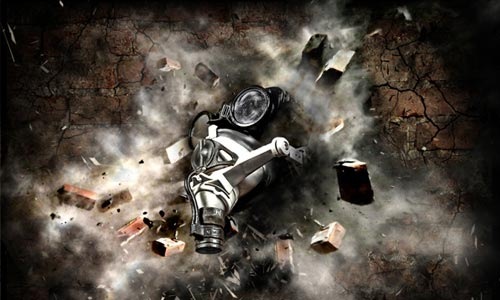
In this tutorial, we’re going to make a creative illustration in a style meant for a video game cover or sci-fi book cover. We’ll create this with mostly photo manipulation techniques. With some cool Photoshop options you can turn all the photos you chose, into one stunning looking explosive cover.37. Combine Photo Elements to Create a Surreal Photo Manipulation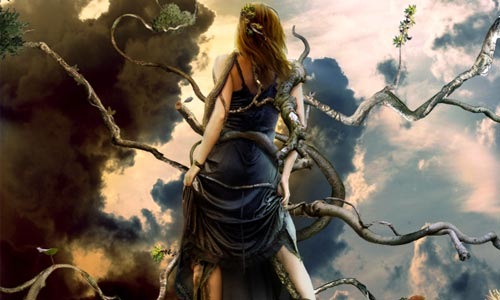
This Photoshop tutorial, you will learn how to use a variety of color, lighting, and cut and paste techniques to create a surreal photo manipulation. Combine your creativity with these Photoshop techniques to create your own photo manipulation artworks.38. Mysterious Hollow
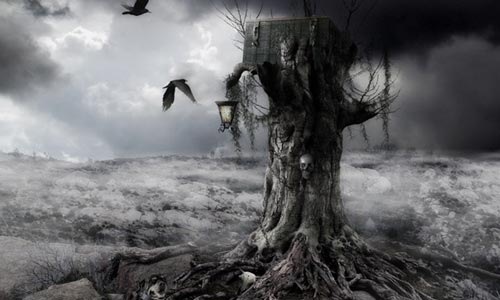
39. Design a Colorful Illustration Using Patterns and Shapes
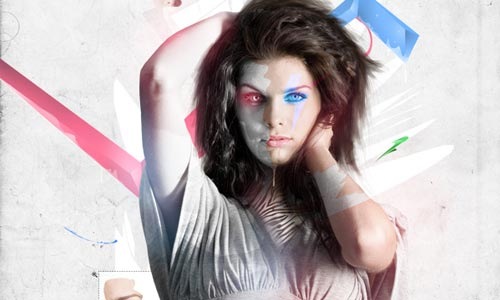
40. How to Enhance Photos With a Pen Tablet
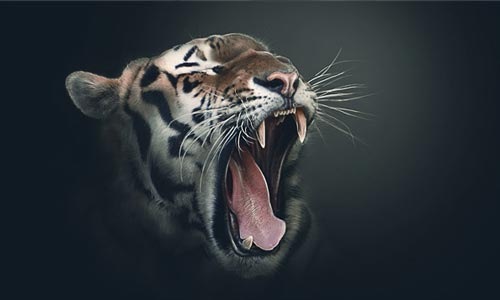
41. Create a Cosmic Love Goddess With Photoshop CS5

42. Create an Abstract Light Streaks poster in Photoshop CS5

43. How to Create a Flying Land Illustration On Fire
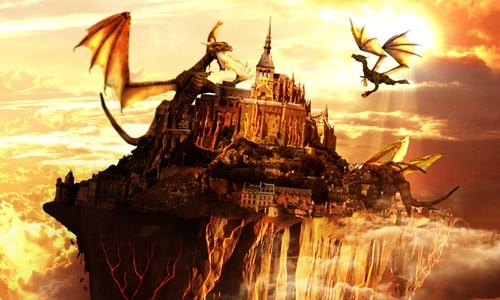
44. Compositing with adjustment layers
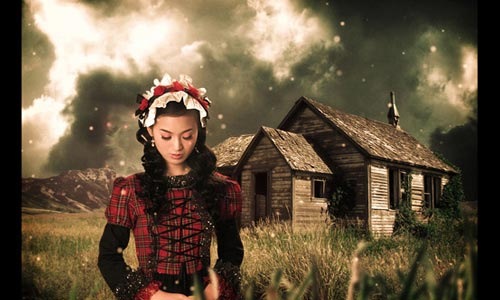
Compositing with Photoshop is one part technique and two parts imagination. In the example below, I’ve created a dark and mysterious scene with a young girl paused in an eerily calm storm.
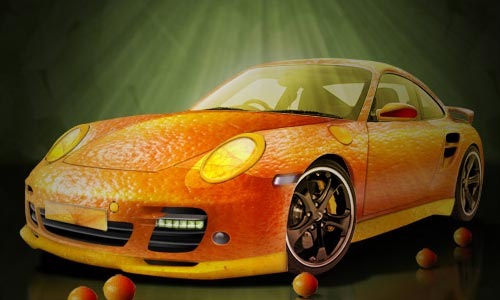
45. Orange Porsche. Fruit Skin
46. manipulation . tutorial . 2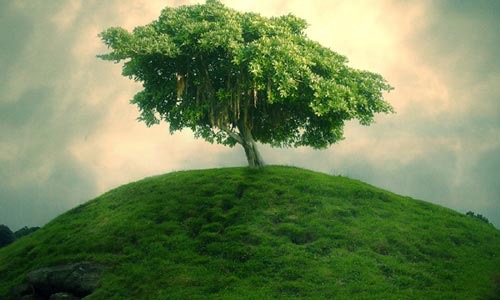
Detailed step-by-step; blending the images without cutting them out; using the magic wand to extract the tree.47. The Garden: part 1
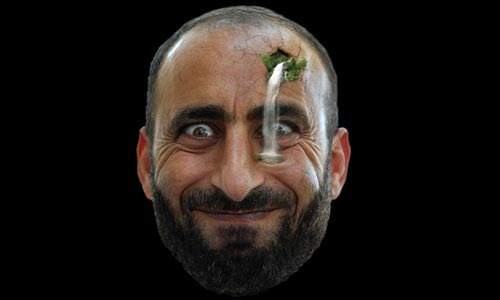
48. How to Create a Chilling Photo Manipulation in Photoshop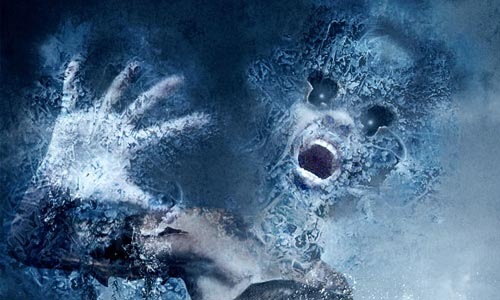
In this tutorial I will show you how I created a fantasy photo manipulation called “You Can Not Frost The Time” with using several Photoshop tools such as Color Range, different blending modes, and more. Let’s get started!49. How to design a grunge styled portrait in Photoshop
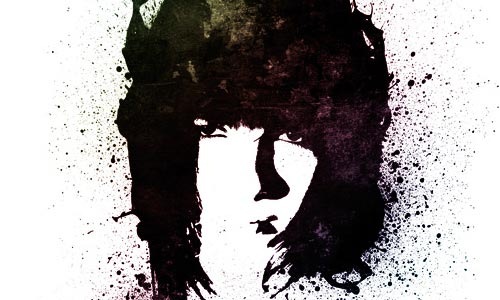
50. How to Turn Humdrum Photos into Cinematic Portraits
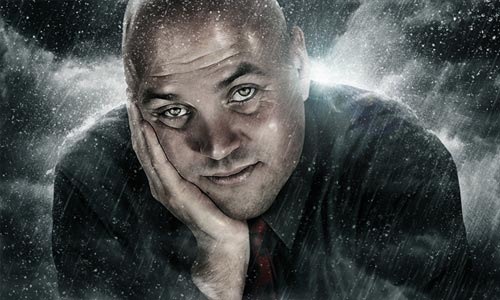
51. Create An Amazing Diamond Advertisement Poster in Photoshop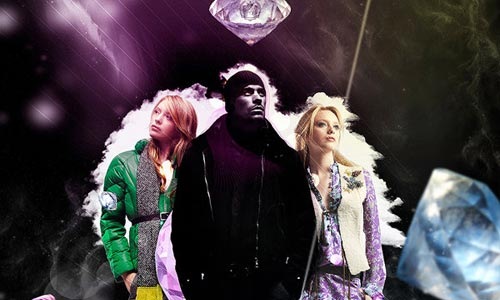
In this tutorial you will learn a few techniques that might be very useful for you and give you some great ideas when you start creating an advertisement. Before you go on and start the tutorial I would like to thank the photographers for their amazing stock images and for giving permission to use the images.52. Create An Amazing Diamond Advertisement Poster in Photoshop
So in this tutorial I will show you how you can mix stock photos with blend modes, basic filters and tools to create a really cool design. The whole process is very simple and won’t take you more than 1 hour to finish the tutorial.53. Photoshop Quick Tips #12: Alien Eye
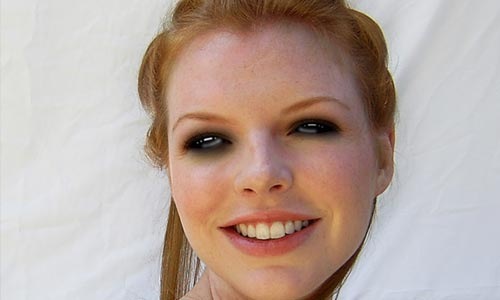
54. Mysterious Lightning
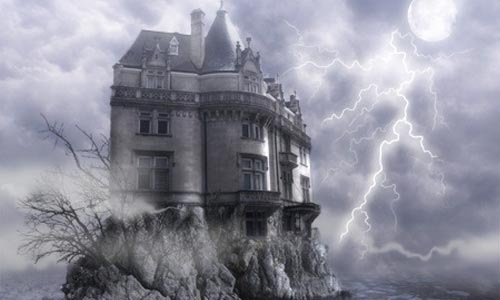
55. Super Easy Typographic Portrait in Photoshop
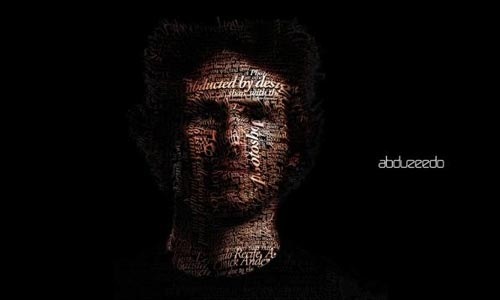
56. Create a Cosmic Sci-fi Poster Design in Photoshop
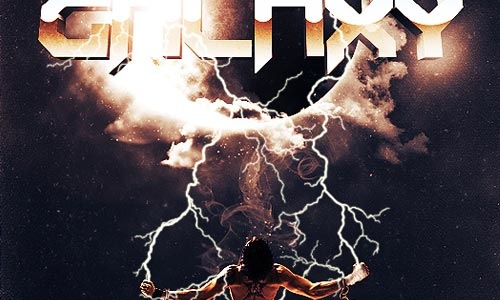
57. How To Create a Post Apocalyptic Photo Manipulation
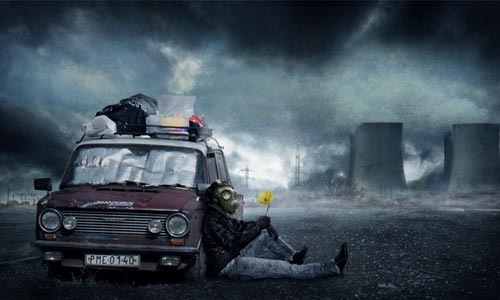
58. Stylish Light Effect in Photoshop
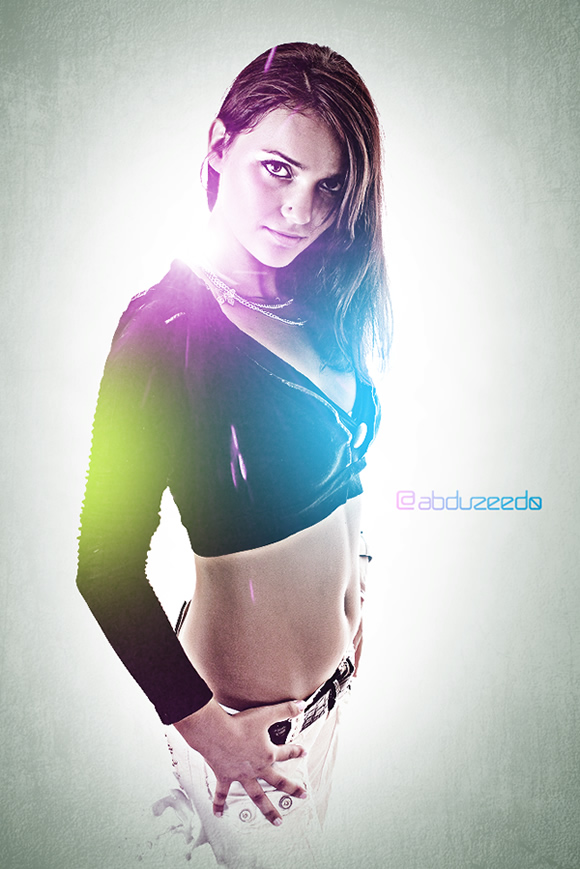
One of the most popular tutorials I have writen is the Sparkling Hot Girl in Photoshop. It was a very straightforward technique on how to create some nice light effects mixed with a hot girl. Everything over a dark background. Since then I have received emails asking me how to create light effects over white or light backgrounds. So I decided to try some ideas and create an image mixing a photo of a girl with some light effects.
59. Blending fashion image with Photoshop CS5 custom shapes

60. How to Create a Photo Manipulation of a Flooded City Scene
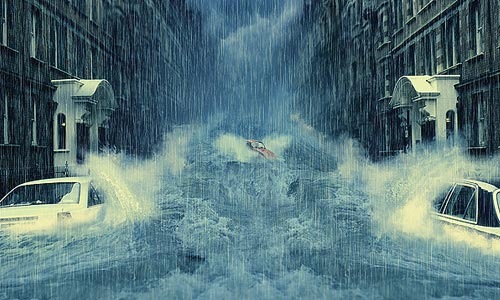
61. Create a Funky Perspective of a Model Riding Digital Volume

62. How To Create an Ultra-Realistic Cracked Head Effect
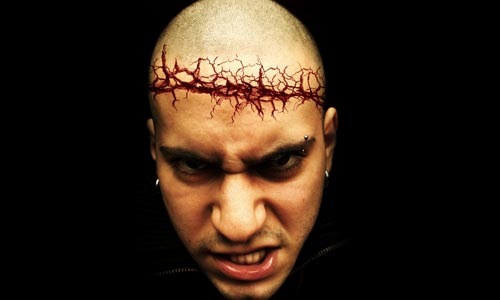
63. Create an Intense Movie Poster in Photoshop
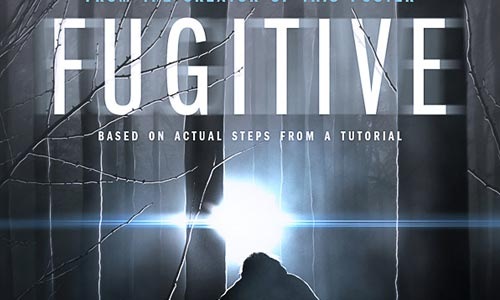
64. Making a Book of Magical Playground Scene

This tutorial will show how to create a fantasy book scene. We will be using various advanced Photoshop techniques to make the composition as realistic as possible.
65. Create a Dark and Surreal Geometric Space Poster using Photoshop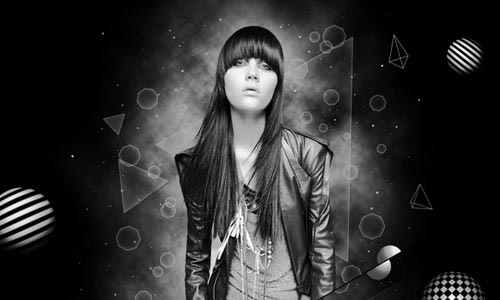
In this tutorial I will show you how to create an abstract space poster using geometrical shapes, masks and apply some filters in Photoshop. Layered PSD file included. Let’s get started!66. Create a Falling Fantasy Photomanipulation using Painting Techniques
In this tutorial I will show you how to create an abstract space poster using geometrical shapes, masks and apply some filters in Photoshop. Layered PSD file included.67. Photo Manipulate a Stunning Underworld Scene
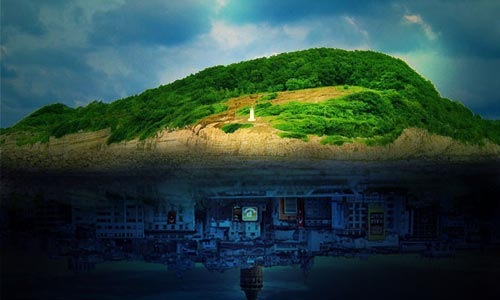
68. Photo Manipulate a Beautiful Sunrise Landscape
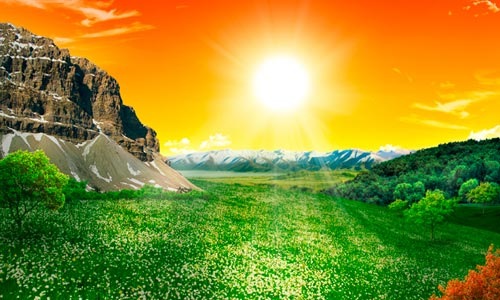
Learn how to combine and blend multiple landscape photos to create a beautiful sunrise landscape. You will also learn about masking and other selection methods.
69. Making Sense of the Warp Tool – It’s All About the Lines

70. How to Mold Paint Splatter to a Face in Photoshop
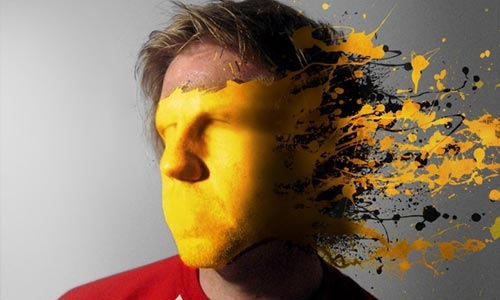
71. How to Create a Flaming Photo Manipulation
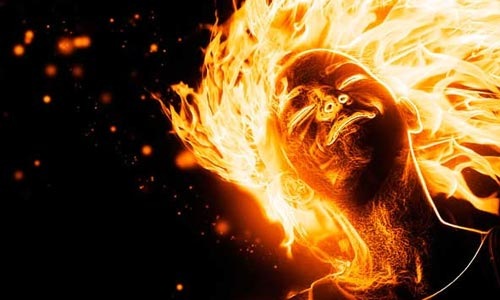
72. Alien Photo Manipulation
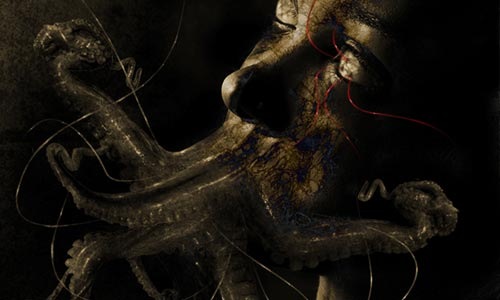
73. How to Apply Textures to Uneven Surfaces
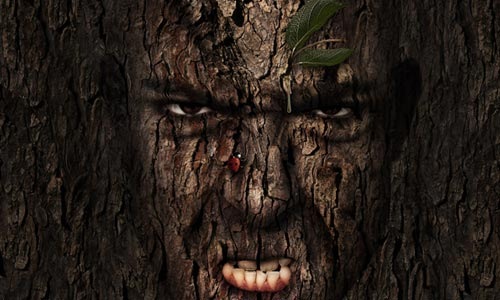
74. Photoshop Tutorial: Making of “Color Combustion” a Photo Manipulation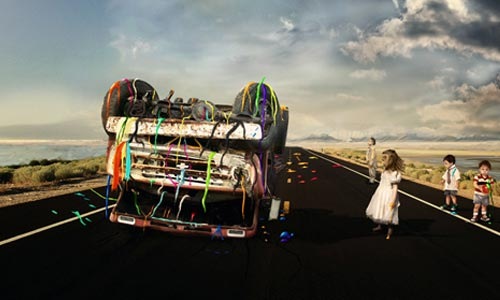
In this Photoshop tutorial we’ll be walking through the making of a digital photo manipulation called Color Combustion. You’ll use a few simple techniques, and combine a whole heap of images together to make a wonderful creative collage.75. How to Create an Abstract Photo Manipulation
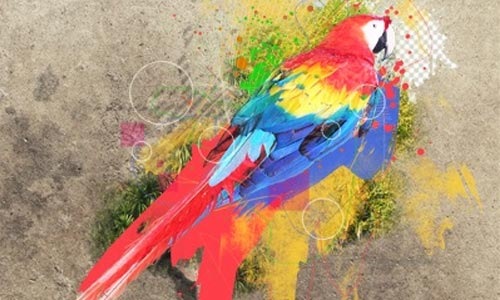
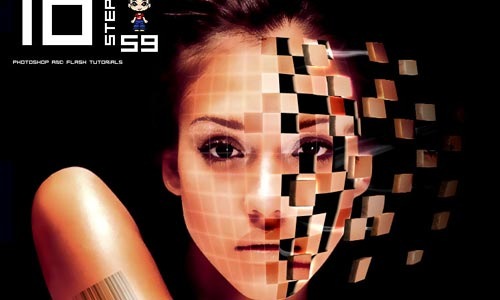
76. Create a Face Shattering Effect
77. How to Design a Dramatic Winged Dragon with Photoshop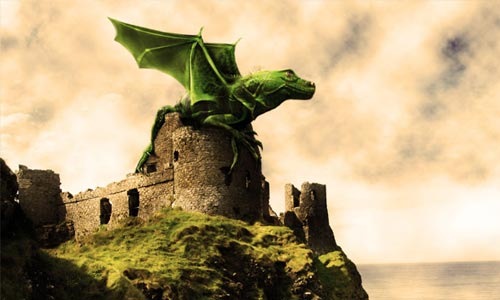
We’ll be creating a fantasy illustration in this tutorial, I’ll show you how to merge two images into one using layer Masks and reshape a picture using the Liquify Filter. We’ll take an image of a baby iguana and another of a bat, then combine the two to create a fantasy dragon. Let’s get started!78. Landscape photo manipulation
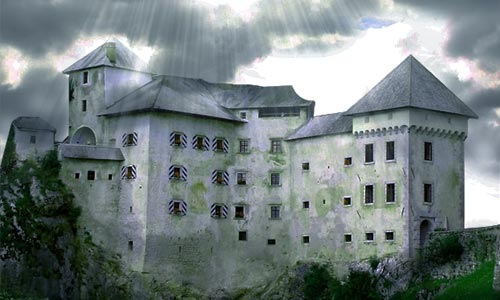
Using some images you’ll learn how to blend in different landscapes creating a surreal effect.
79. Create a High Flying Snowboard Illustration

80. Scared Photomanipulation Tutorial

This tutorial will be a little different than all the other tutorials I wrote. Here I will teach you some basic things about Photomanipulation.
81. Design a Photo Manipulation from Sketch to Color
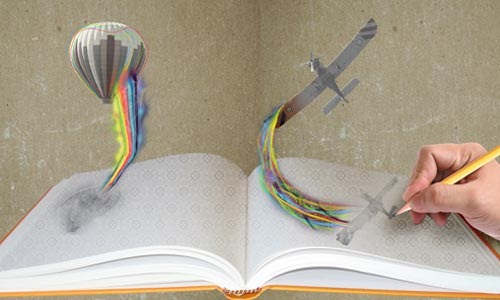
This tutorial will describe how to make a colorful photo manipulation using only four stock photos and a texture background. We’ll look at using the Pen Tool, making colorful rainbow designs, and showing the correct way to pick out stocks to use in our photo manipulation.
82. Blissful Landscape Photo Manipulation
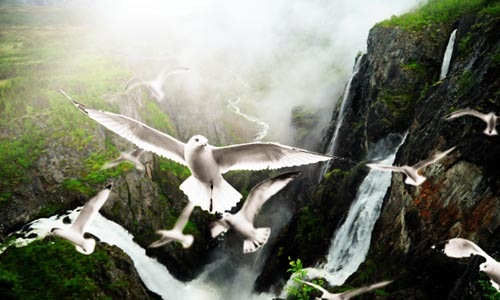
83. Blissful Landscape Photo Manipulation
84. The Making of Mystic
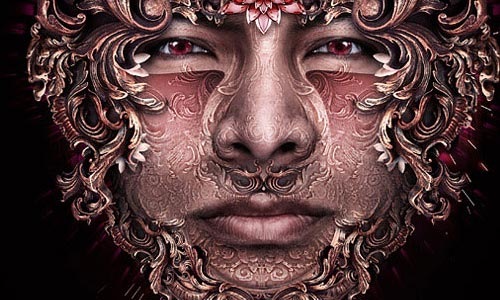
85. AHHHHH
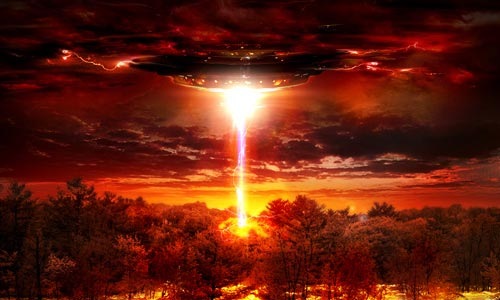
 ! What better way to kickoff the summer spirit than with explosions, death rays, and a little stormy weather – thanks to our friend, Photoshop.
86. Photo-Manipulating an Image Into a Realistic Night Scene
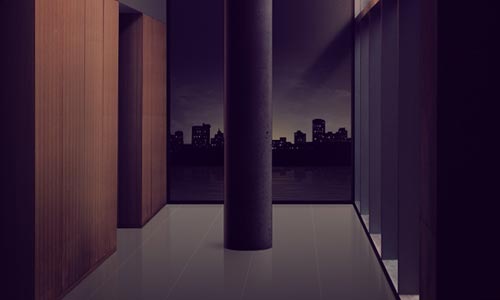
87. Making of a Mythical Encounter
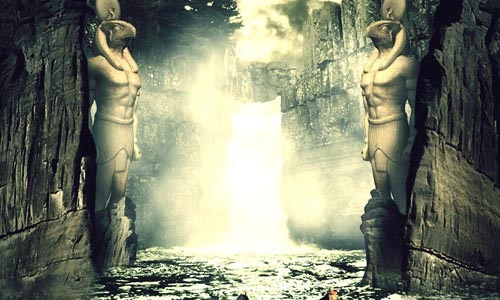
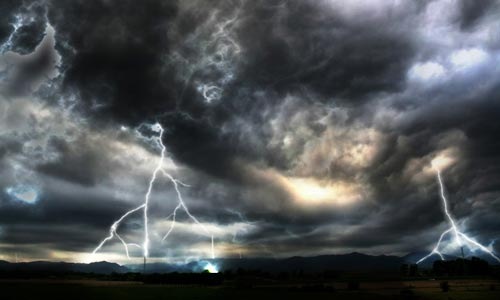
88. Tutorial #1: Storm Effect
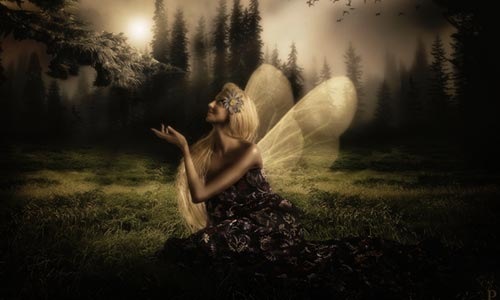
89. How to Create a Fantasy Photo Manipulation
90. Creating a Smoke Fading Effect

You will need a close up image of a model, and also the awesome Smoke Brushes Set 1 designed by Falln-Stock.
91. End of the World Photo Manipulation
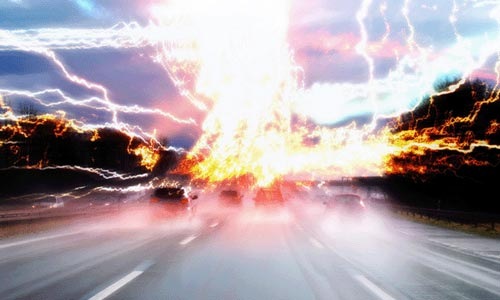
A simply tutorial which consist of blending stock photos together,
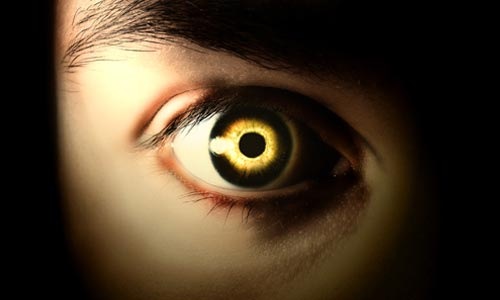
92. Eery-Eye Photo Manipulation
93. Alienize: Transform a person into an alien
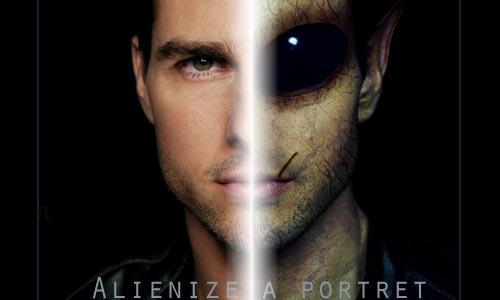
In this tutorial is written how to create a very cool looking alien using Adobe Photoshop. Grab a picture of someone and get ready to alienize it!
94. How to Create a Surreal Photo Manipulation with Twisting Water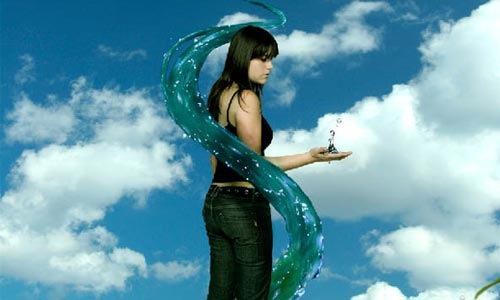
In this tutorial, you’re going to create a fantasy photo manipulation mixing different images and learning to use and modify the stock images in a creative way. The idea is to get a compact image that looks absolutely real, and at the same time, absolutely impossible!95. How to Create a Surreal Photo Manipulation with Twisting Water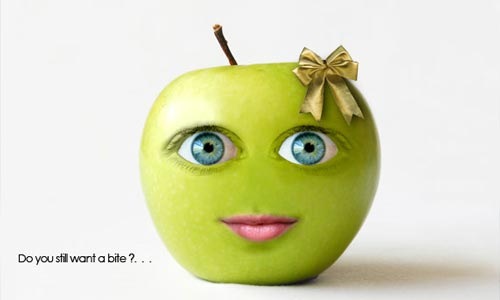
In this tutorial, you’re going to create a fantasy photo manipulation mixing different images and learning to use and modify the stock images in a creative way. The idea is to get a compact image that looks absolutely real, and at the same time, absolutely impossible!96. Creation of “Get Digitised” – Photoshop CS tutorial

Seeing as I haven’t really had the chance to go anywhere of particular interest as of late I started to get stuck into some digital art again. It has been a while since I have done much due to my photography addiction. I almost forgot just how much I actually enjoy doing it, so I’m glad I did.
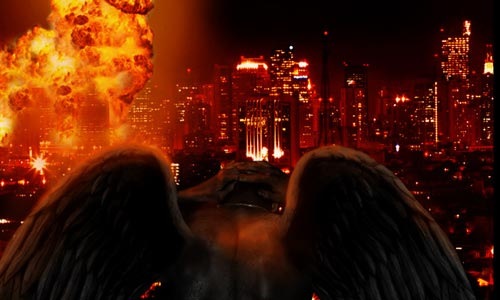
97. Learn How to Create a Fiery Demon Montage
98. It’s Time to Create a ‘Neo-Constructivist’ Poster with Photoshop
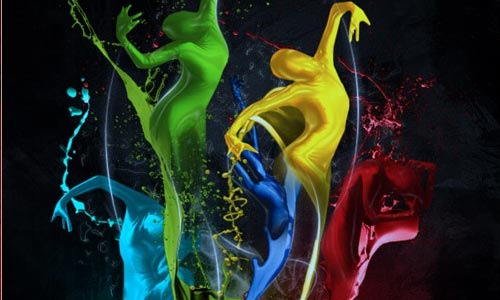
Constructivist graphic design is often associated with communist politics and propaganda, but it’s more than that, Constructivism is about using bright colors, playing with lightness, perspective, geometrical forms, besides photomontage techniques and digital collage. This time I’ll dare to name this tutorial a ‘Neo-Constructivist’ design. It’s time to get started!99. Making of the Imaginary Paint Dancers
100. Fashion Shot

sumber: http://creativenerds.co.uk


Thanks for finally talking about > "100 TUTORIAL PHOTOSHOP NEW 2012" < Liked it!
BalasHapusHere is my site; door to
door delivery Gauteng
Valuable info. Fortunate me I found your website
BalasHapusaccidentally, and I am shocked why this accident
did not took place earlier! I bookmarked it.
Feel free to surf to my page - diamond education
Hi my loved one! I wish to say that this post is awesome, nice written and come with
BalasHapusalmost all important infos. I'd like to look extra posts like this .
My web-site estimations Gauteng
Please let me know if you're looking for a article author for your blog. You have some really great articles and I feel I would be a good asset. If you ever want to take some of the load off, I'd really like to write some articles for your blog in exchange for a link back to mine.
BalasHapusPlease shoot me an e-mail if interested.
Kudos!
Here is my homepage: bridal make up Johannesburg
Excellent post. I absolutely love this site. Thanks!
BalasHapusmy blog; pet photographer Shropshire
Hey I know this is off topic but I was wondering if you knew of any widgets I
BalasHapuscould add to my blog that automatically tweet my newest twitter
updates. I've been looking for a plug-in like this for quite some time and was hoping maybe you would have some experience with something like this. Please let me know if you run into anything. I truly enjoy reading your blog and I look forward to your new updates.
Feel free to surf to my page :: domestic cleaning Gauteng
Hi everybody, here every one is sharing these knowledge, so it's good to read this weblog, and I used to go to see this website all the time.
BalasHapusMy web page paint protection Cape Town
Thanks for the good writeup. It actually was once a leisure account it.
BalasHapusLook complex to far introduced agreeable from you!
However, how could we be in contact?
Here is my site; spit braai Cape Town
I every time spent my half an hour to read this weblog's articles or reviews everyday along with a mug of coffee.
BalasHapusFeel free to surf to my web blog acne Durban
Thanks on your marvelous posting! I certainly enjoyed reading it, you happen to
BalasHapusbe a great author.I will be sure to bookmark your blog and will eventually come back later in life.
I want to encourage you continue your great job,
have a nice morning!
Here is my web blog; more info
My family members all the time say that I am wasting my time
BalasHapushere at net, but I know I am getting familiarity everyday by reading such nice posts.
Also visit my blog: more information
I used to be able to find good info from your
BalasHapusblog posts.
Here is my web site :: click here
Woah! I'm really digging the template/theme of this site. It's simple, yet effective.
BalasHapusA lot of times it's challenging to get that "perfect balance" between usability and appearance. I must say that you've done
a great job with this. In addition, the blog loads very quick for me on Safari.
Exceptional Blog!
This post is worth everyone's attention. When can I find out more?
BalasHapusmy web-site site
It is actually a nice and useful piece of info. I'm glad that you just shared this useful information with us. Please keep us up to date like this. Thank you for sharing.
BalasHapusMy blog post: Visit link
I love what you guys are up too. This type of clever work and reporting!
BalasHapusKeep up the terrific works guys I've incorporated you guys to my personal blogroll.
Visit my web page :: site
https://youtu.be/_65SFq0Cxo8
BalasHapus